Free · Open source · macOS 13+Your Dock.
Your Dock.
Stays. Put.
macOS moves your Dock to whichever screen you nudge the bottom edge of — and there's no setting to stop it. ubu is the loyal little menubar app that keeps it right where you want.
Signed & notarized by Apple — no Gatekeeper warnings.
Three layers of good behaviour.
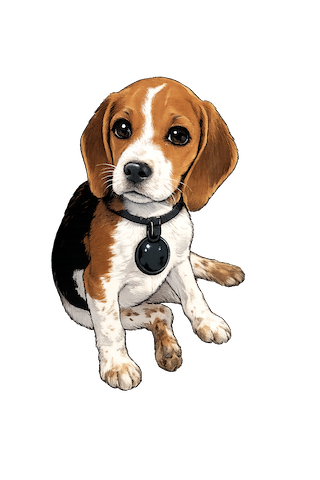
Like a well-trained beagle, ubu doesn't rely on a single trick.
01
Event Tap
Intercepts the mouse at screen edges and gently warps the cursor back — migration is stopped before it starts.
02
CoreDock
If the Dock ever slips, ubu snaps it straight back to your chosen display, instantly.
03
Accessibility
A watchful safety net that bursts into action on display changes and catches anything else.
Set up in 30 seconds.
- 1Launch ubu — a paw print appears in your menubar.
- 2Grant Accessibility permission when prompted.
- 3Done. Your Dock stays put — even after restarts.
Starts at login automatically. Pause, resume and check for updates right from the menubar.
Menubar at a glance
- 🐾Filled pawActive — Dock is anchored
- ○Outline pawPaused
- ⚠WarningNeeds Accessibility permission
Works with any number of displays and every Dock position — bottom, left or right.
Prefer to build it yourself?
git clone https://github.com/fluxscale/ubu.git
cd ubu
swift build -c release
# Binary at .build/release/ubu